In today’s fast-paced digital world, collaboration is more critical than ever. Teams are often spread across different cities, countries, or even continents, making real-time collaboration tools indispensable. WPS, a versatile office suite, provides a seamless platform for collaborating with colleagues on documents, spreadsheets, and presentations. This article explores how to collaborate in real-time using WPS, highlighting its features, benefits, and best practices.
Understanding Real-Time Collaboration in WPS
Real-time collaboration allows multiple users to work on the same document simultaneously. Unlike traditional methods where files are emailed back and forth, WPS enables instant updates, ensuring everyone sees the latest changes immediately. This reduces errors, improves productivity, and fosters better teamwork. With WPS, users can collaborate on cloud-based documents, making it ideal for both office and remote work environments.
Setting Up WPS for Collaboration
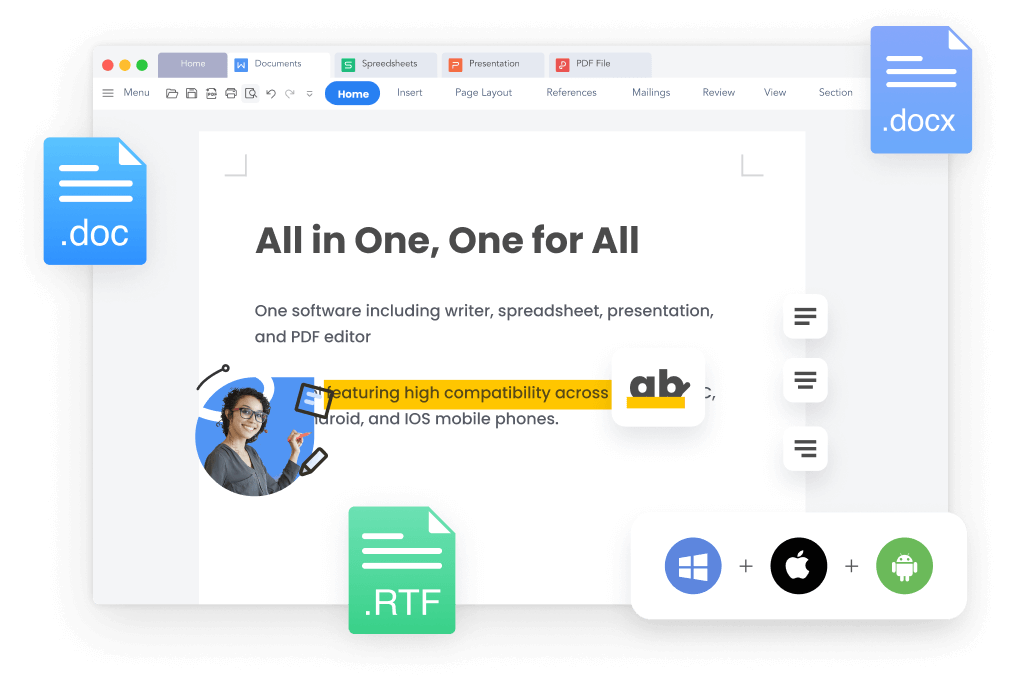
To begin collaborating in WPS, users need to ensure they have the latest version of the software installed. WPS Office is compatible with Windows, macOS, Linux, Android, and iOS, allowing users to collaborate across multiple devices. The first step is creating a WPS account if you don’t already have one. This account enables cloud access, document sharing, and permission management.
Once logged in, users can save their documents to WPS Cloud. This step is crucial because real-time collaboration relies on cloud storage. WPS Cloud offers secure storage, automatic backups, and version history, ensuring no work is lost during the collaboration process.
Inviting Team Members to Collaborate
After uploading a document to WPS Cloud, you can invite team members to collaborate. WPS allows users to send invitations via email or share a link with specific access permissions. There are typically three types of permissions: view, comment, and edit. Choosing the appropriate level of access is essential to maintain document security while enabling effective collaboration.
Real-Time Editing and Tracking Changes
One of the most powerful features of WPS for collaboration is real-time editing. Multiple users can edit a document simultaneously, and changes are instantly visible to all collaborators. WPS also provides tools to track changes, highlight edits, and leave comments. These features help maintain transparency and ensure that contributions from all team members are acknowledged.
In addition, WPS supports version history. This means you can revert to previous versions of a document if necessary, which is particularly useful when multiple users are making significant edits.
Using Comments and Annotations
Collaboration is not just about editing text. Communication is key. WPS offers a robust commenting system that allows team members to provide feedback without altering the main content. Comments can be attached to specific sections of a document, making it easier to discuss changes and suggestions.
Annotations in WPS are also beneficial for spreadsheets and presentations. Users can highlight cells, add notes, or mark slides for discussion. These tools enhance collaboration by providing clear visual cues and context for feedback.
Collaborative Features for Spreadsheets and Presentations
WPS is not limited to text documents. Its spreadsheet and presentation tools also support real-time collaboration. In spreadsheets, users can enter data simultaneously, apply formulas, and create charts while seeing updates in real-time. This feature is invaluable for financial planning, data analysis, and project tracking.
For presentations, WPS allows team members to work on slides together, add animations, and adjust layouts. Real-time collaboration ensures that the final presentation reflects the combined effort of all contributors, saving time and reducing errors.
Integrating WPS Collaboration with Other Tools
WPS is compatible with various file formats, including Microsoft Office files and PDFs. This compatibility makes it easy to collaborate with users who may not have WPS installed. Additionally, WPS integrates with popular cloud services like Google Drive, Dropbox, and OneDrive, allowing users to work seamlessly across different platforms.
Best Practices for Effective Collaboration in WPS
To maximize the benefits of real-time collaboration in WPS, consider the following best practices:
- Set clear goals: Before starting, define the objectives of the document or project.
- Assign roles: Determine who will edit, comment, or review different sections.
- Use version history: Regularly check version history to track progress and avoid conflicts.
- Communicate frequently: Use comments and annotations to clarify changes and provide feedback.
- Maintain document structure: Ensure headings, tables, and formatting are consistent to prevent confusion.
Benefits of Real-Time Collaboration in WPS
Collaborating in real-time using WPS offers numerous advantages. It enhances productivity by allowing simultaneous work, reduces errors by maintaining a single source of truth, and fosters teamwork through transparent communication. Additionally, WPS Cloud ensures that documents are accessible anywhere, making it perfect for remote teams and international projects.
Challenges and How to Overcome Them
While WPS simplifies collaboration, users may encounter challenges such as conflicting edits or slow internet connections. To mitigate these issues:
- Ensure all collaborators have stable internet connections.
- Assign clear editing responsibilities to avoid overlapping changes.
- Use comments instead of direct edits for suggestions.
- Regularly save and back up important documents.
By following these strategies, teams can maintain smooth collaboration without disruptions.
Conclusion
Real-time collaboration is a game-changer for modern work environments, and WPS provides all the tools necessary to make it efficient and seamless. From cloud storage and multi-device access to real-time editing and commenting, WPS empowers teams to work together effectively regardless of location. By understanding its features and following best practices, users can maximize productivity, improve communication, and ensure successful collaborative projects. Whether for documents, spreadsheets, or presentations, WPS is a reliable solution for teams seeking to collaborate in real-time.
Using WPS for real-time collaboration is not just a convenience—it’s a necessity in today’s interconnected work landscape. Embracing these features can transform how teams create, edit, and finalize projects, making collaboration simpler, faster, and more productive than ever before.